Suno sample rate and FLAC questions usually come from the same worry: whether the exported file is good enough to repair, master, archive, or share. The answer is less about chasing a perfect label and more about keeping the audio chain clean, avoiding needless conversions, and knowing what a spectrogram can and cannot prove.
Sample rate is not the same as repair quality
Sample rate tells you how often the audio was sampled per second. It does not tell you whether the vocal is clean, whether the cymbals are smeared, or whether the master is clipped. A 48 kHz file with harsh AI shimmer is still a damaged-sounding file. A 44.1 kHz file with careful repair, stable gain staging, and a sensible limiter can be much more usable.
For most music work, 44.1 kHz and 48 kHz are normal choices. The important part is consistency. If the track starts at one rate, gets converted for repair, converted again for mastering, and converted once more for delivery, it becomes harder to know where a click, cutoff, or high-end smear entered the chain. Choose a working rate and keep the project there unless a real destination requires a change.
When you inspect a Suno export, separate format facts from audio facts. Format facts are sample rate, bit depth, codec, and file size. Audio facts are clipping, noise, artifacts, dynamic shape, and tonal balance. Both matter, but they solve different problems. Do not expect a higher sample rate to repair a warped vowel or rebuild detail that was never clean in the source.
When FLAC helps and when it does not
FLAC is useful because it stores audio losslessly while saving space compared with WAV. If you have a clean repaired master, FLAC is a good archive or transfer format. It keeps the audio data intact through storage and sharing between tools that support it. That matters when you may return to the file later for a new master, a stem edit, or a comparison against an earlier version.
FLAC does not magically improve the original audio. If a file already contains lossy compression artifacts, clipping, or synthetic noise, converting it to FLAC preserves those flaws faithfully. It is a container for keeping quality, not a repair tool. The same logic applies to WAV: a WAV copy of a damaged MP3 is still built from damaged audio, only stored without adding another lossy step.
The question "does Suno have FLAC" is also risky because product options can change. Instead of relying on a fixed claim, check the export choices available in your account at the moment you download, then keep the best source file you can get. For repair work, prefer a lossless file if offered. If only a lossy file is available, do the repair once, avoid repeat lossy exports, and save a lossless working master after processing.
Why repeated conversions make checks harder
Every conversion is a place where confusion can enter. Lossless-to-lossless conversion is usually safe when done correctly, but lossy conversion throws information away. MP3 is practical for quick delivery, yet it can add high-frequency cutoff, pre-echo, or smearing around sharp transients. If you repair an MP3, export another MP3, master from that, and export a final MP3, you are stacking codec decisions on top of AI artifacts.
Use a simple chain. Keep the original export untouched. Make a repaired working file in WAV or FLAC. Master from that repaired file. Export a final lossless master for storage, then create MP3 only when you need a smaller public copy or a preview. This chain keeps each stage accountable. If the MP3 sounds dull, you can compare it to the lossless master. If the lossless master sounds harsh, you know the problem happened before MP3 delivery.
| Format | Best use | Watch for |
|---|---|---|
| WAV | Editing, repair, mastering, direct inspection | Larger files and unclear version names |
| FLAC | Lossless archive and transfer | It preserves flaws as well as fixes |
| MP3 | Small previews and casual sharing | Lossy smear, cutoff, and repeated encoding damage |
| Converted copy | Only when a tool requires another format | Losing track of which file is the master |
Use spectrograms to spot obvious export damage
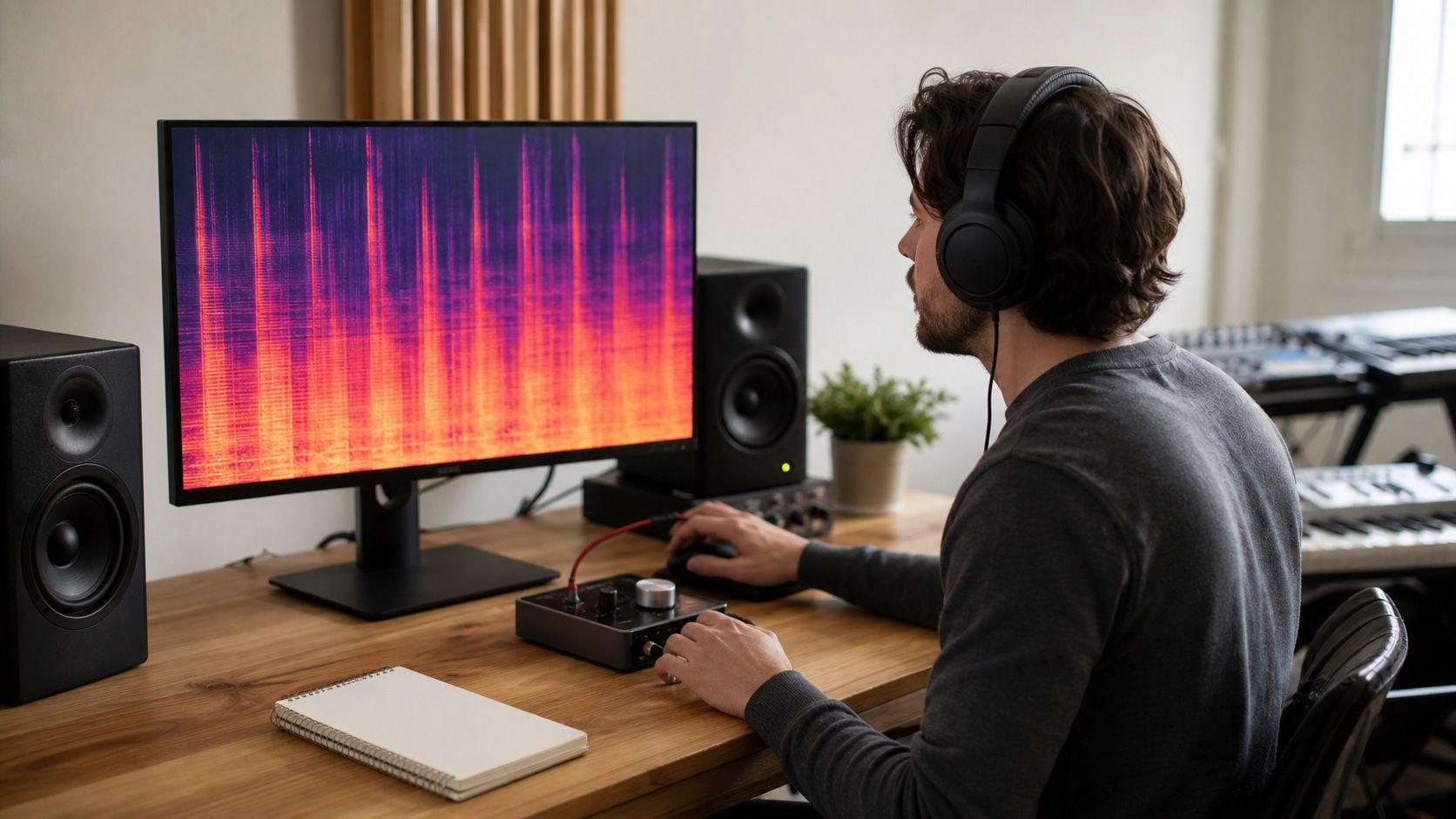
A FLAC spectrogram can help you see broad export problems: a sudden high-frequency cutoff, clipped blocks, odd bands of noise, or a section where the fade contains more texture than expected. It is especially useful when comparing a repaired master with an MP3 preview. If the MP3 shows a cutoff but the lossless master does not, you are looking at codec behavior rather than a new musical defect.
Still, spectrograms are supporting evidence. They do not tell you whether a vocal feels emotional, whether the chorus is too bright, or whether the limiter is tasteful. They can also create false alarms. A clean low-pass shape may be part of an instrument, and a dense bright area may be cymbals rather than damage. Use the picture to guide listening: zoom in on the suspicious time range, then decide by ear.
When comparing files, keep the settings matched. Same time range, same frequency scale, same color intensity, same source section. A different display setting can make one version look worse even when the audio is unchanged. Good export checking is slow in this one tiny way: it compares like with like.
Keep a clean archive master
The clean archive master is the file you trust later. It should be lossless, clearly named, and made before any lossy sharing copy. Include the song name, date, sample rate, bit depth if you know it, and a short version note such as repaired, prelimit, or final. That naming habit is not cosmetic. It prevents a weak MP3 preview from accidentally becoming the source for the next repair pass.
Keep at least three files when the track matters: the original export, the repaired mix before final limiting, and the finished master. If stems are involved, keep a folder with the exact stem versions used for the master. Storage is cheaper than recreating a repair chain from memory, and it keeps later mastering decisions honest.
The practical answer is calm: choose the best available source, avoid unnecessary conversion, work losslessly during repair and mastering, use MP3 only when it serves delivery, and let the spectrogram catch obvious damage without turning it into a judge. Export quality is not a badge on the file; it is the discipline of not making the audio worse after you have repaired it.