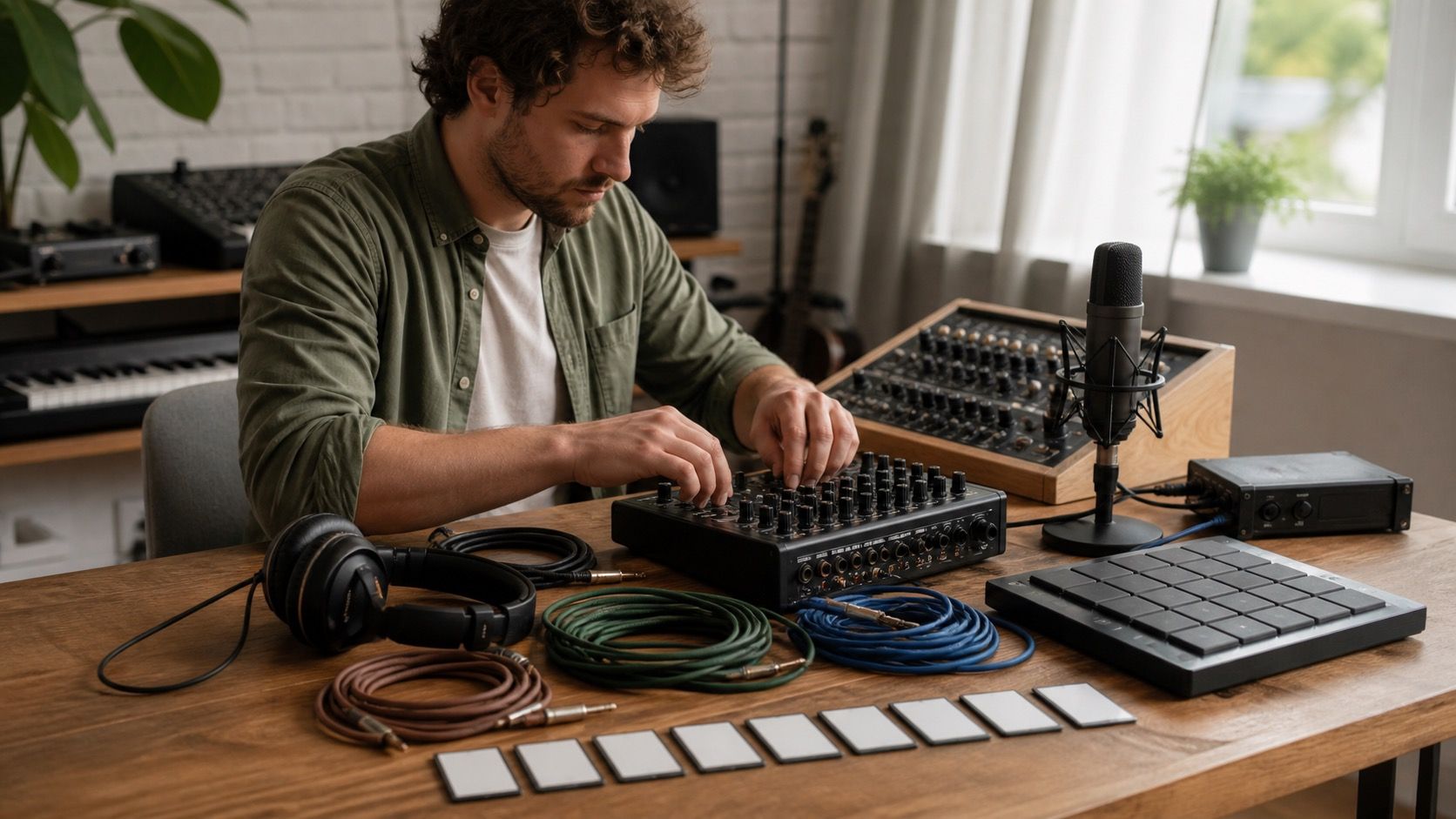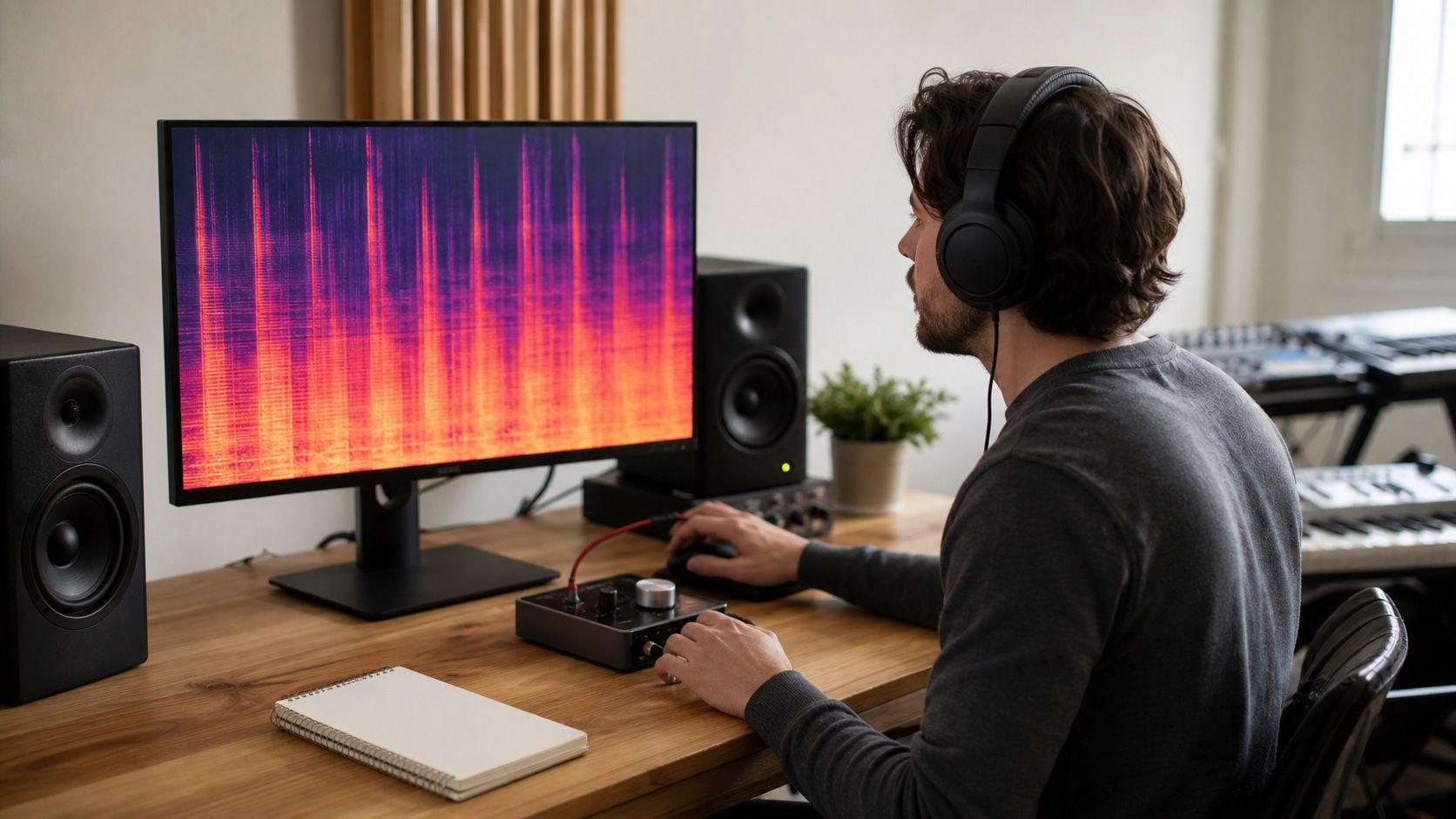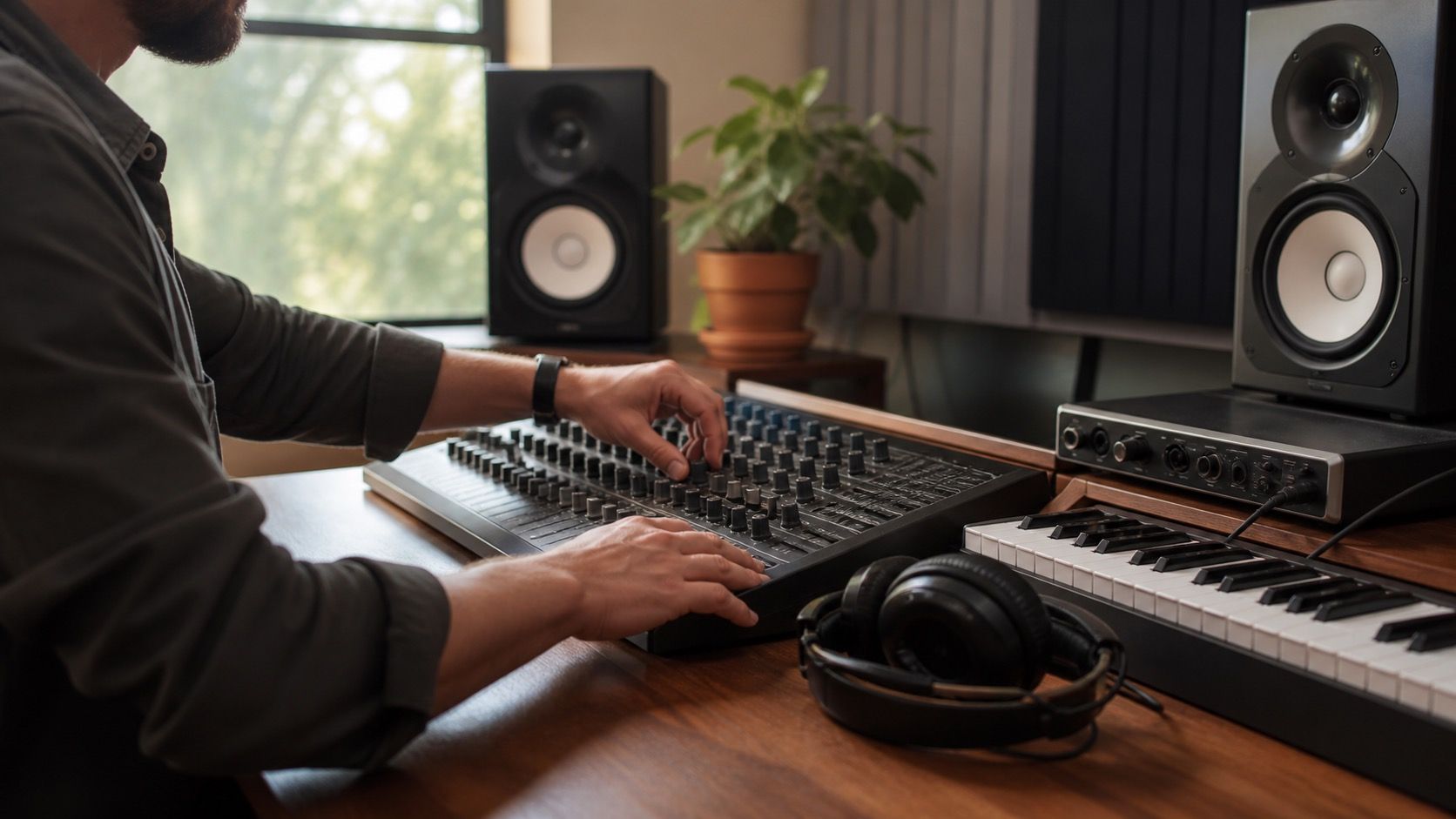
A useful Suno fix workflow starts before any limiter, stereo widener, or loudness preset touches the file. The point is to catch the small AI music artifacts that mastering tends to exaggerate: fizzy consonants, smeared drums, unstable vowels, low humming, or a bright layer that feels exciting for ten seconds and tiring by the second chorus.
Start with the defect, not the preset
The first listen should be plain and slightly boring. I like to play the export once on closed headphones at a moderate level, once on small speakers, and once quietly enough that only the vocal and snare keep their shape. During that pass, the job is not to improve the song. It is to write down where the track feels fake, brittle, muffled, or jumpy.
Suno can make a hook feel finished while hiding problems under density. A vocal may sound wide because there is a thin chorus-like smear around it. Cymbals may seem expensive because the top end is busy. A bass line may feel solid only because the whole low midrange is swollen. If you load a mastering chain at this point, the chain will treat all of that as music and push it forward.
Good artifact notes are short and time-based: harsh S sounds at 0:42, robotic tail after the line ending at 1:17, kick loses punch in the final chorus, narrow whistle around the right side of the mix. Those notes decide the repair order. They also keep you from turning one vague complaint into five unnecessary processors.
Separate repair from mastering
Repair and mastering ask different questions. Mix repair asks whether the file contains distractions that should be reduced. Mastering asks whether the repaired file translates at a useful loudness and tone. When those jobs are mixed together, every move becomes harder to judge because a louder file often sounds better for a few seconds even when the artifact is worse.
For a Suno export, I prefer a simple staging rule: work on a copy, leave enough headroom, and keep the repair chain before any final loudness tools. If the file is already clipped or heavily limited, lower the gain before inspection. That does not restore lost peaks, but it gives denoise, de-essing, transient shaping, or spectral repair more room to behave.
Stems help when they are clean enough to trust. A vocal stem with isolated warble is easier to treat than a full mix where every cymbal and synth reacts to the same process. But stems from AI tools can introduce their own edges. I check the stem against the full export before committing to it. If the stem sounds phasey, watery, or thinner than the original, I use it only for targeted support, not as the new master source.
Check vocals, drums, and high end in that order
Vocals usually deserve the first repair pass because listeners forgive a slightly rough cymbal sooner than a synthetic mouth noise in the lead line. I focus on consonants, vowel stability, breath tails, and transitions between phrases. A light de-esser can calm spit and hiss, but it will not fix a vowel that bends like a bad pitch correction artifact. For that, a narrow spectral edit or a very gentle repair pass often works better than broad denoise.
Drums come next because over-cleaning them changes the energy of the whole song. Listen to the kick transient, snare crack, hi-hat decay, and any pumping around the groove. If a snare turns papery after repair, undo some of the processing before reaching for compression. A Suno fix that removes shimmer but steals the backbeat is not a fix; it is a trade you may regret when the master is louder.
The high end is last because it is seductive. Brightness can make an AI export feel finished in the room, then become tiring on earbuds. Sweep for steady whistles, sandy cymbal noise, and metallic air above the vocal. Use small cuts or dynamic control, then rest your ears. Listening fatigue is a real diagnostic problem here. After twenty minutes, sharpness can start to feel normal.
Use quick fixes only when the damage is local
A quick Sunofix-style pass can be enough when the problem is narrow: a little hiss on a vocal, a harsh edge on cymbals, a low hum between sections, or a few robotic tails after long notes. These are good candidates because the rest of the track already works. The repair should touch the annoyance without rewriting the mix balance.
Broad problems need more caution. If the entire chorus is cloudy, the bass masks the vocal, and the drums smear whenever the arrangement gets dense, one preset will probably move the problem rather than solve it. In that case, make two versions: a conservative repair that keeps the feel, and a heavier test that shows how much cleanup is possible. The conservative version often wins once you compare them at the same loudness.
| What you hear | First repair move | Stop if |
|---|---|---|
| Sharp vocal S and T sounds | Light de-essing or narrow dynamic EQ | The vocal starts lisping or losing words |
| Metallic shimmer over cymbals | Small high-frequency control before mastering | The chorus loses lift or turns dull |
| Robotic note tails | Targeted spectral repair on the tail | The room sound collapses around the phrase |
| Soft kick and smeared snare | Transient check before compression | The groove feels smaller than the draft |
Do the final loudness check after the repair
Once the repair pass feels stable, bounce a working file and listen before mastering. This is the moment to catch export quality issues: wrong sample rate, accidental mono, clipped peaks, a damaged stem, or a noise floor that became obvious after cleanup. I also check the first downbeat, the loudest chorus, and the last fade because small render errors often hide at edges.
Mastering should now be modest. Add level, shape the tone, and control peaks, but keep returning to the repaired file at matched volume. If the master makes the shimmer come back, the repair was not finished or the high shelf is too eager. If the master makes the vocal feel smaller, the limiter may be grabbing consonants and breaths.
The clean export is the one that lets the song keep its best reason to exist. Sometimes that means accepting a little AI texture because removing it would flatten the performance. A sensible Suno workflow is not about making the file clinically clean. It is about removing the distractions that stop a listener from staying inside the song.