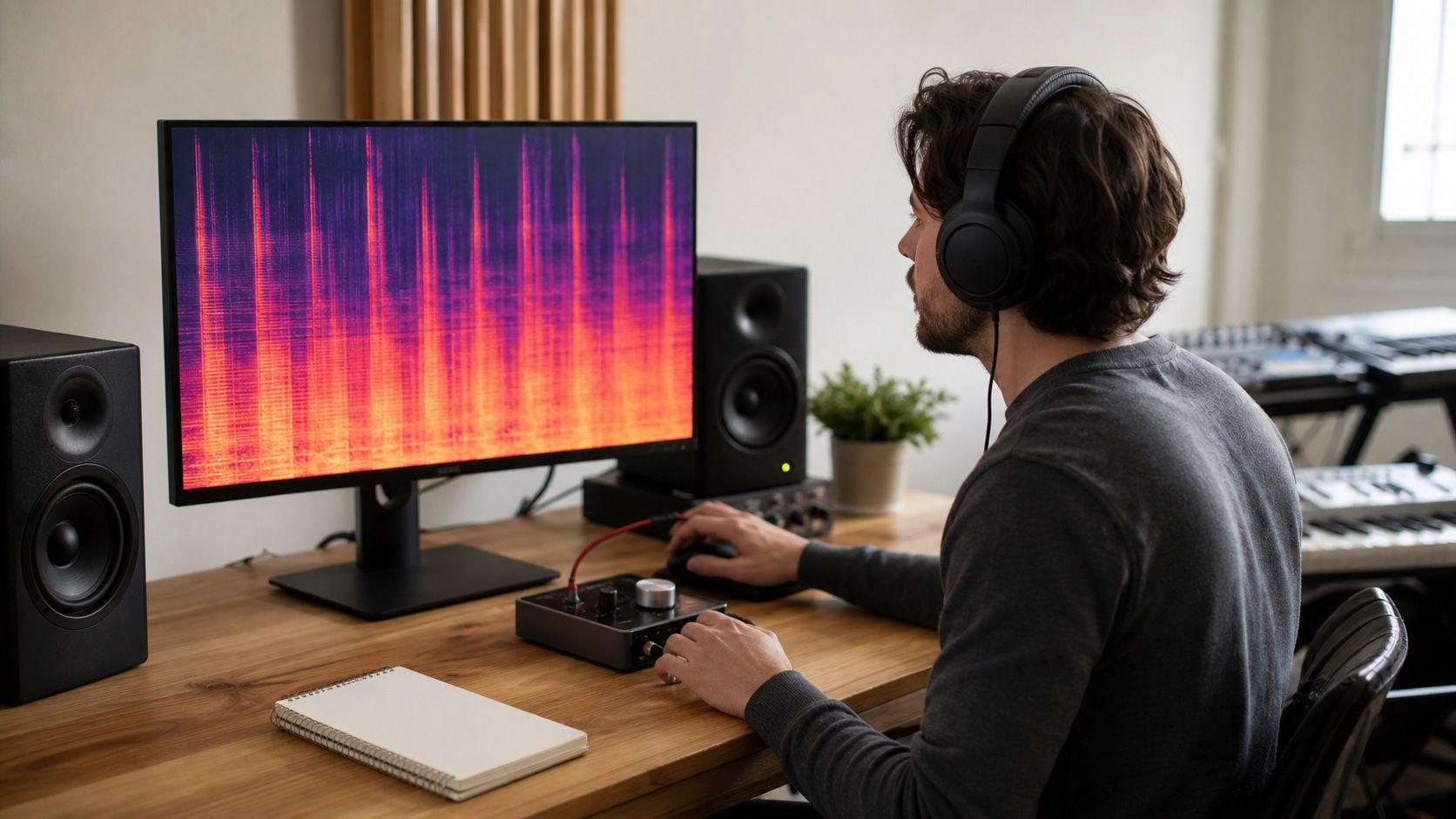
A good Suno denoise pass starts with a less glamorous job: deciding what the noise actually is. Hiss, shimmer, brittle sibilance, and blurred highs can sit in the same part of the spectrum, but they need different amounts of repair if you want the track to stay musical.
Tell hiss apart from useful air
Hiss is usually steady. It does not follow the melody much, and it keeps whispering during rests, fade-outs, or the gap before a chorus. Useful air behaves differently. It opens around a vocal breath, a cymbal wash, or the edge of a synth pad, then gets out of the way when the arrangement thins.
Start the check at a normal listening level, not with headphones turned up until every flaw feels enormous. Play the intro, the quietest vocal line, and the last two seconds of the file. If the same grain sits under all three moments, you are probably hearing the noise floor. If the brightness appears only when the singer hits an S, T, or breathy vowel, a broad denoise setting may punish the vocal instead of solving the real issue.
A spectrogram helps here because steady hiss looks like a soft cloud across the upper band. It is not a magic answer, but it keeps you honest when your ears are tired. If the cloud is light and the song still feels open, leave some of it alone. A completely black, silent gap can sound unnatural after AI vocals, especially when the rest of the mix has synthetic ambience.
Treat shimmer before it spreads through mastering
Suno shimmer often sounds like a glassy layer riding above the real part. It can make a vocal feel expensive for ten seconds, then tiring once the hook repeats. The danger is mastering. Compression, saturation, and limiting bring that shimmer forward, so a small problem in the mix can become the loudest texture in the final export.
Do a repair pass before any final loudness work. Sweep a narrow EQ band through the upper mids and high band until the fizzy edge becomes obvious, then back off and use a small cut rather than a dramatic scoop. If the harshness moves with each syllable, use dynamic EQ or a de-esser style control. If it stays fixed above the whole track, a light denoise profile may work better.
Be careful with words like smooth sun9 or any preset that promises instant silk. A heavy smoothing setting can remove the shimmer, but it can also smear consonants, hi-hats, and the tiny attack at the front of plucked parts. Compare the repaired file against the original every few minutes. If the track feels calmer but the chorus lost excitement, the setting went too far.
| What you hear | Likely cause | First repair move |
|---|---|---|
| Steady white layer during quiet gaps | Raised noise floor | Light broadband denoise, then compare rests |
| Metallic fizz on vocals and cymbals | High-frequency shimmer | Dynamic EQ or narrow high-band control |
| Sharp S and T sounds only | Sibilance | De-ess before any wide denoise |
| Dull vocal after cleanup | Overprocessing | Reduce reduction amount and restore a little air |
Why denoise can make vocals dull
AI vocals often depend on a thin layer of brightness to feel present. Remove too much of that layer and the voice steps backward, even if the waveform looks cleaner. The lyric may become harder to understand because consonants carry less shape. This is why a Suno denoise pass should be judged by words, not by silence alone.
Use a short phrase with clear consonants as your test loop. Something with S, F, T, K, and breath is more useful than a long held note. Apply denoise until the background stops distracting you, then reduce the strength slightly. That small retreat often keeps the vocal alive while still lowering the most annoying hiss.
If the vocal gets cloudy, resist the urge to add a huge high-shelf boost after denoise. That can bring the same grit back with a harsher shape. Try a gentler chain: lighter denoise, a small dynamic cut where the shimmer bites, then a modest presence lift only if the words need help. Repair should make the track easier to hear, not simply brighter on a meter.
Use two listening passes
The first pass should be clinical. Listen for defects in short sections: intro, first verse, pre-chorus, chorus, bridge, and ending. Make simple notes like hiss under intro, shimmer on chorus doubles, dull S after cleanup, or cymbal smear. Do not process while writing those notes. You want a map of the problem before tools start changing your memory of the track.
The second pass should be musical. Put the track back at normal level and listen from start to finish. Ask whether the repair makes the song easier to stay with. Hiss can be technically visible yet emotionally harmless. Shimmer can be tiny in level yet painfully distracting because it repeats in the same band every chorus. This full listen catches that difference.
Headphones reveal hiss and sibilance quickly, but small speakers reveal whether the vocal still leads the mix. Use both if you can. If a repair only sounds good on one playback system, save a new version instead of replacing the previous file. That gives you a clean exit when the next mastering pass exposes a side effect.
Export a repaired version that still breathes
Once the denoise setting feels right, export with a name that describes the move: light-denoise, shimmer-dyn-eq, vocal-air-kept, or similar. Version names sound boring until you need to compare three repairs at midnight and cannot remember which one still had the chorus sparkle. Keep the original Suno export untouched in the same project folder.
Print at the same sample rate as the session when possible, and avoid stacking lossy exports while testing. If you need an MP3 for quick sharing, make it from the best repaired master, not from an already compressed preview. Hiss and shimmer can behave worse after repeated compression, so the clean working file matters.
The final check is simple: turn the track down. If the vocal still reads, the highs feel calm, and the quiet gaps do not pull attention away from the song, the denoise pass has done its job. If the mix now feels polite but smaller, go back one version. With AI music repair, the best result often leaves a little texture in place so the track can still breathe.