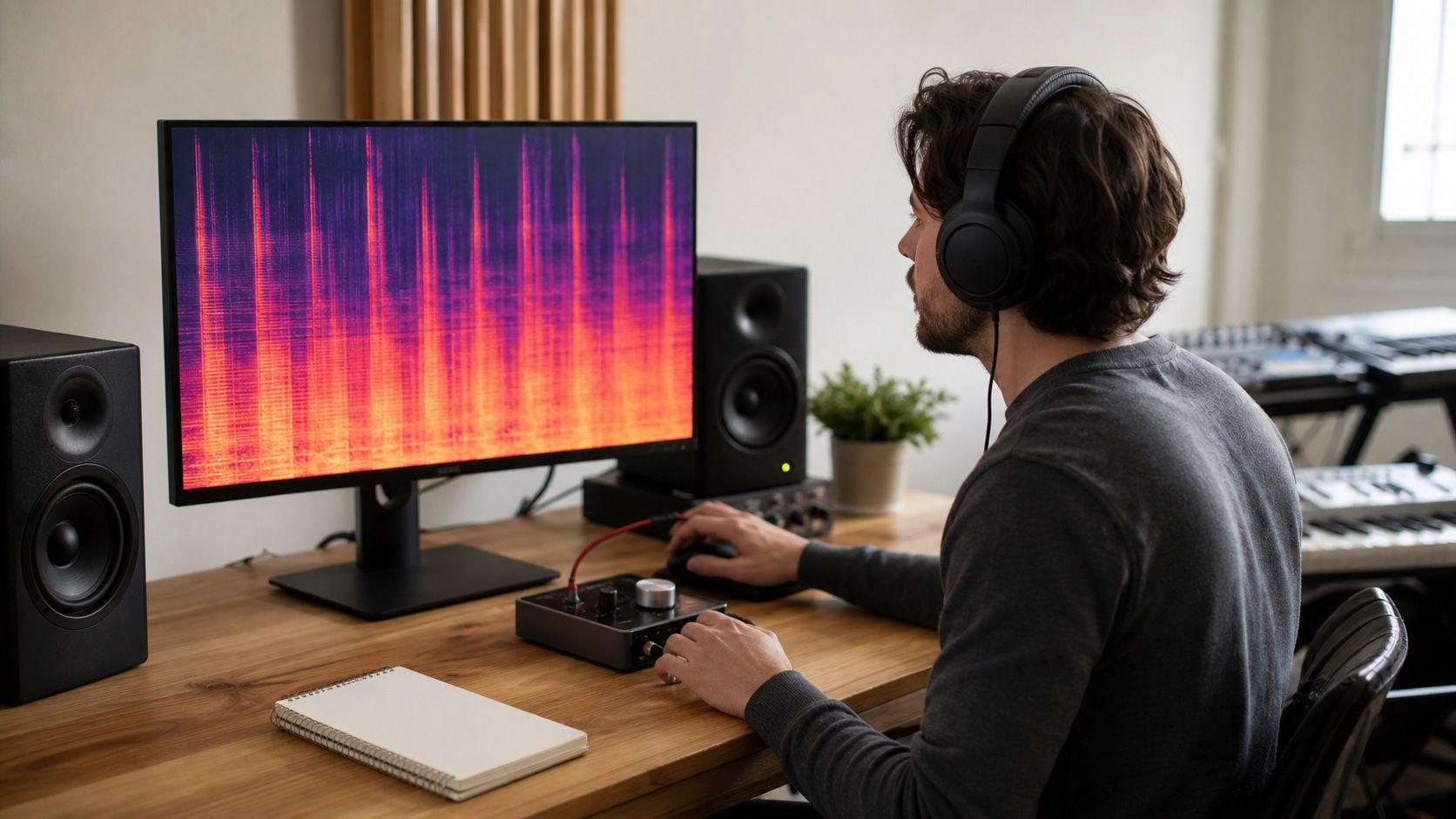
A Suno artifact cleaner is useful only when it matches the fault in the audio. Presets, manual editing, spectral repair, de-essing, and light mix bus control all have a place, but they also have a limit. The practical question is not which option sounds most dramatic in the first pass; it is which one leaves the song believable after repeated listening.
What a cleaner can actually fix
An artifact cleaner can reduce distractions that sit on top of an otherwise usable Suno track. That includes sharp vocal harshness, robotic tails after sustained notes, sandy cymbals, thin whistles, low-level buzz, and some cloudy high-frequency build-up. These are repair problems because they interrupt the listener without being essential to the performance.
It cannot reliably turn a weak composition into a strong one, rebuild missing arrangement detail, or restore transients that were never present in the export. If the chorus feels flat because the hook is not convincing, processing will only polish the disappointment. If the vocal melody wobbles in a musical way that clashes with the song, cleaning the edge around it will not fix the phrase.
I judge cleaner options by how specifically they touch the fault. A broad preset can be fine for mild fizz across the whole file. Manual editing is better when one line has a damaged tail. A robotizer-style problem on a vocal may need very careful treatment, because too much smoothing can make the singer sound farther away rather than more natural.
Light cleanup versus aggressive processing
Light cleanup is the right starting point for most Suno files. It usually means low reduction, narrow bands, short sections, and frequent bypass checks. You are listening for the moment when the artifact steps back but the mix still breathes. This approach is slower than loading a heavy preset, but it protects the parts of the track that already feel musical.
Aggressive processing has a place when the defect is worse than the side effects. A demo with constant metallic hiss may benefit from a stronger pass if the goal is a clean reference, not a release-ready master. A background stem can tolerate more repair than a lead vocal. A noisy transition can be treated harder than the main chorus because it carries less emotional weight.
| Choice | Best use | Main risk |
|---|---|---|
| Light preset | Mild shimmer, soft hiss, small tonal roughness | Leaving the obvious defect untouched |
| Targeted manual repair | One bad word, tail, cymbal hit, or whistle | Making the edit audible if the boundary is poor |
| Aggressive cleaner | Severe artifact on a non-critical section | Flattening depth and transient movement |
| Mix bus control | Final tone after focused repairs | Treating symptoms across the whole song |
The table is simple, but it reflects the choice that matters. A preset is not lazy if the problem is broad and mild. Manual editing is not superior if it spends half an hour repairing a detail nobody hears in context. The best option is the one that reduces the distraction with the fewest new problems.
The signs that a preset is too strong
A preset is too strong when the repaired file starts to feel smaller even though the obvious artifact is quieter. The vocal may lose mouth detail, consonants may lisp, cymbals may turn into soft spray, or the snare may stop snapping. Another warning sign is a floating, hollow center image, especially after stereo widening or heavy high-frequency cleanup.
Robotic tails are a useful stress test. Loop the end of a sustained vocal note and switch the cleaner in and out. If the tail becomes smoother but disconnects from the word before it, the listener may notice the edit more than the original artifact. The same thing happens with cymbal decay: removing the grain can also remove the natural fade that tells the ear where the rhythm sits.
Watch your reaction after a minute, not five seconds. Strong processing often gives a satisfying first impression because it removes mess quickly. After a full verse and chorus, the file may feel polite, distant, or strangely airless. That delayed discomfort is a better signal than the first bypass click.
A simple before-after review routine
Quality control should be boring and repeatable. I make three versions when the decision is close: original, light repair, and stronger repair. Then I match loudness as closely as possible and listen to the same moments each time: the first vocal entrance, the loudest chorus, a drum fill, a quiet gap, and the last ten seconds of the track.
The original often wins on energy. The strong repair often wins on cleanliness. The light repair should win on trust. It should let the song keep its pulse while removing the sound that made you reach for the cleaner in the first place. If the light version does not improve the specific defect, the answer may be targeted manual editing rather than more global strength.
Take short notes in plain language. Better S sounds but duller chorus. Cleaner cymbals but weaker snare. Less robot tail but vocal sits back. These notes turn a vague taste argument into a clear decision. They also make it easier to stop, because you can see when each extra move is buying less than it costs.
How to keep the repaired file usable
Export notes matter because repair decisions become hard to reconstruct later. Save the original Suno file, the repaired working file, and the mastered version separately. Name the repair strength or main process in the filename if that helps, but avoid baking a final decision into the only copy. A small amount of organization prevents the familiar mess of five almost-identical bounces with no clear winner.
Leave mastering until the cleaner choice has survived normal listening. A limiter can bring back harshness. A bright master EQ can expose spectral noise that seemed fixed. Stereo widening can make a repaired vocal edge feel phasey. If the master reveals a new problem, go back to the repair file rather than stacking emergency fixes at the end.
The stopping point is practical: the track should still sound like the same song, only less distracting. A Suno artifact cleaner is not a magic eraser and should not be treated as one. Used carefully, it gives the listener fewer reasons to distrust the file. Used too hard, it replaces one artificial texture with another.